• Contact Us
  • Resources
  • Video
  • Home

San Diego State University Instructional Technology Services

  • Learning Spaces
    & Classrooms
  • Training, Consulting
    & Support
  • Learning
    Technologies
  • Equipment
    Checkout
  • Media
    Production

Instructional Technology Services supports faculty in the design, selection, production, and distribution of instructional media.

ITS all about the learning

Who We Are

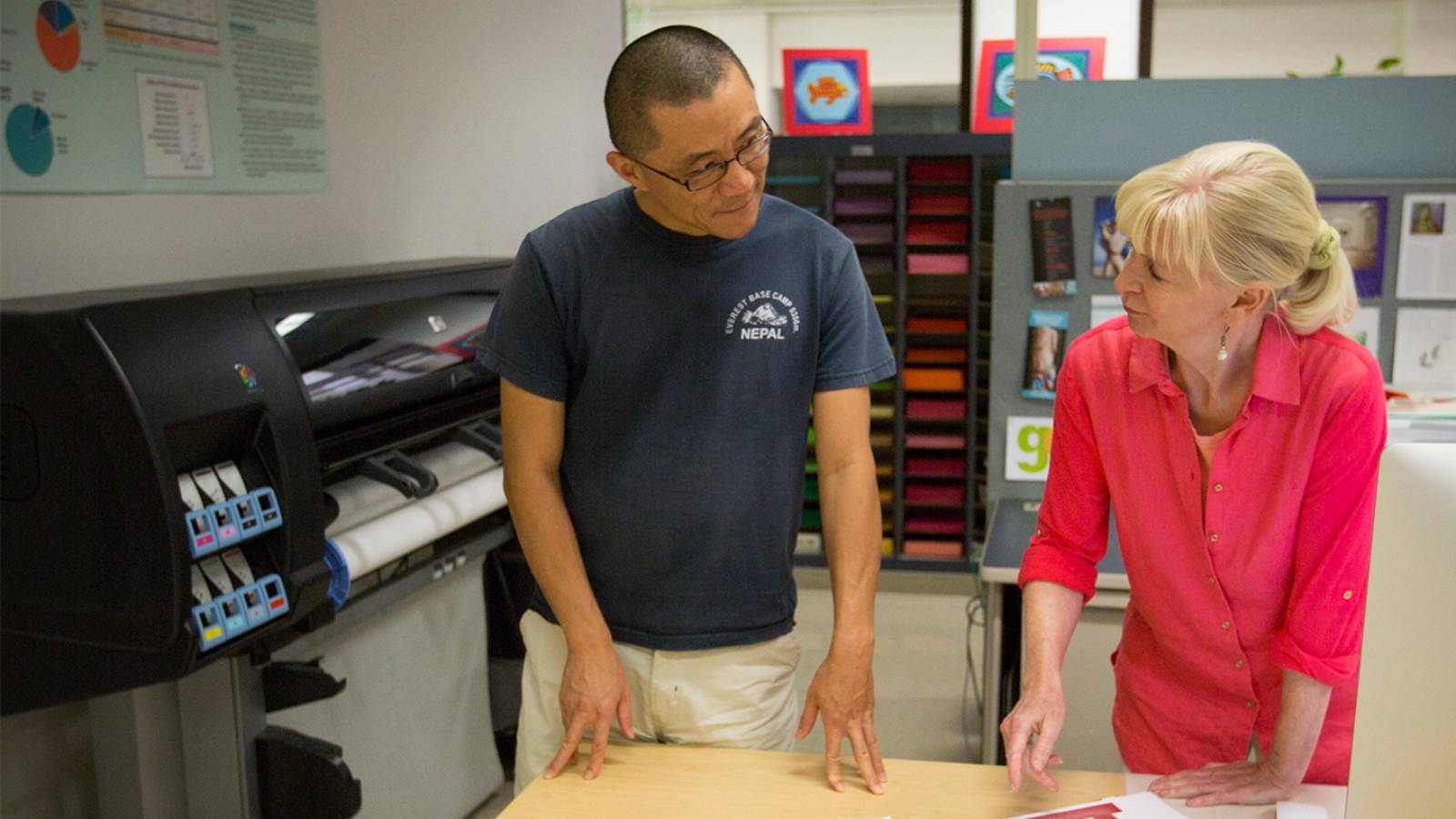
The staff at ITS are highly trained and qualified professionals who assist in the areas of instructional design, visual design, course management, technology integration, student assessment, and course evaluation.

What We Do

Instructional Technology Services provides support to SDSU faculty and staff in the design, selection, production, and distribution of instructional media.

What Is Instructional Technology?

Instructional Technology is more than just AV equipment, videotapes, and computers. It is a process that uses instructional tools in conjunction with learning theories to organize, sequence, present, and reinforce information appropriately for particular teaching/learning situations.

ITS Blog and News

2012 Commencement Broadcast Schedule

Friday, May 18, 2012

  • 11 a.m. - College of Arts and Letters - TAPE DELAYED: scheduled for Sunday at 10:30
  • 3 p.m. - College of Health and Human Services - LIVE

Saturday, May 19, 2012

  • 8 a.m. - College of Business Administration - LIVE
  • 1 p.m. - College of Professional Studies and Fine Arts - LIVE
  • 6 p.m. - College of Sciences - LIVE

Sunday, May 20, 2012

  • 8 a.m. - College of Engineering - LIVE
  • 10:30 a.m - 12:30 p.m. - College of Arts and Letters - TAPE DELAYED BROADCAST
  • 1 p.m. - College of Education and Division of Undergraduate Studies - LIVE

Planned channel designations:

  • COX South County and Poway = Channel 23
  • COX North County = Channel 18
  • Time Warner = Channel 19

For more information on this year's Commencement, go to: http://go.sdsu.edu/commencement/

Save the Date: May 22, One Day in May Symposium

One Day in May 2012Don’t forget this year’s annual One Day in May Symposium: Making Assessment Work for You—and Your Course, Your Program, and SDSU, offered Tuesday, May 22 and open to all faculty and administrators.

Like previous One Day in May Symposiums, which have been offered since 2005, this year’s event will offer a mix of hands on exploration, presentations of key concepts, and face-to-face consultations with experts. SDSU President Hirshman will speak at the symposium lunch. The One Day in May symposium is free to SDSU faculty, administrators, and staff and includes a continental breakfast, lunch, and a “Delectable Desserts and Coffee” reception. A limited number of seats are available to faculty at other San Diego colleges and universities.

“There are going to be so many conversations available and so much information that programs should consider sending multiple representatives if possible,” says lead symposium planner Suzanne Aurilio, Director of Technology Enhanced Instruction and Faculty Support at the College of Extended Studies.

To RSVP (required) for this event, go to http://cdi.sdsu.edu

For more information, download the Informational Flyer and the Session Schedule.

Blackboard Update

Dear SDSU Faculty and Staff,

Spring 2012 courses are up and ready for your work and development in our NEW Blackboard 9.1 system:

http://blackboard.sdsu.edu

We have created a Quick Start animated tutorial that will get you up and running in Blackboard 9.1 in less than 15 minutes:

http://its.sdsu.edu/blackboard/BB9/bb91basics/bb9_basics.html

Status of Fall 2011 Course Restores

We are moving nearly 10,000 Fall 2011 courses from the previous Blackboard 8 system into our new Blackboard 9.1 system. Because of the scope of this project, we are expecting it to be completed within the next few days. This will allow you to copy your course materials from Fall 2011 to Spring 2012 if needed.

Use the following procedure to copy your course material when ready (Please note that course copying sometimes takes several hours to complete because the Blackboard system is busy importing numerous courses.):

http://its.sdsu.edu/blackboard/BB9/steps/coursecopy.htm

We will eventually create a separate web address for the previous BB 8 system. Please stay tuned for an update on this address or call our help desk for this information.

Please call us at the Blackboard Help Desk if you have any questions at all.

594-3485

bbhelp@sdsu.edu

Best regards,

Jon Rizzo and Linda Woods

Spring 2012 Smart Classroom Listing

The Spring 2012 Smart Classroom listing is now available at: http://its.sdsu.edu/docs/SmartClassroomSpring2012.pdf

ITS Semester Break Hours

Break Hours (December 19, 2011 - January 17, 2012) in the FIT Center (AH-1109) Mon-Fri: 8:00 a.m. to 4:30 p.m.

ITS and the rest of the campus will be closed on December 26 through December 29 (M-Th) and January 2, 2012. The ITS FIT Center will be open on Friday, December 30th from 8:00 a.m. to 4:30 p.m. for the last day to submit Fall 2011 grades.

Phone Numbers

Check-Out
619-594-5691
CCTV
619-594-6435
FIT Center
619-594-6348 (GOFIT)
Blackboard Help
619-594-3485
TV Production
619-594-4323
Classroom Problems
619-594-5691
619-594-6013
Graphics
619-594-1347
619-594-4320
ParSCORE Reservations
619-594-6348
Computer Workshops
619-594-2203
Smart Classroom Help
(7:30 am - 4:00 pm)
619-594-5691
(4:00 pm - 10:00 pm)
619-594-6435
General Information
619-594-5910
Dr. James Frazee, Director
619-594-2893
Marc Pastor, Interim Associate Director
619-594-5852

Instructional Technology Services

  • Adams Humanities, 1st Floor
  • San Diego State University
  • San Diego CA 92182-8114

Copyright 2012. San Diego State University. The statements found on this web site are for informational purposes only. While every effort is made to ensure that this information is up to date and accurate, official information can be found in the University publications.

Documents in Portable Document Format (PDF) require Adobe Acrobat Reader 5.0 or higher to view. Download Adobe Acrobat Reader.

Documents in MS Word (DOC) format require a Microsoft Word compatible viewer to view. Download Microsoft Word Viewer.

  • Phone Numbers
  • ITS Staff
  • Policies
  • Map of ITS
  • Site Index